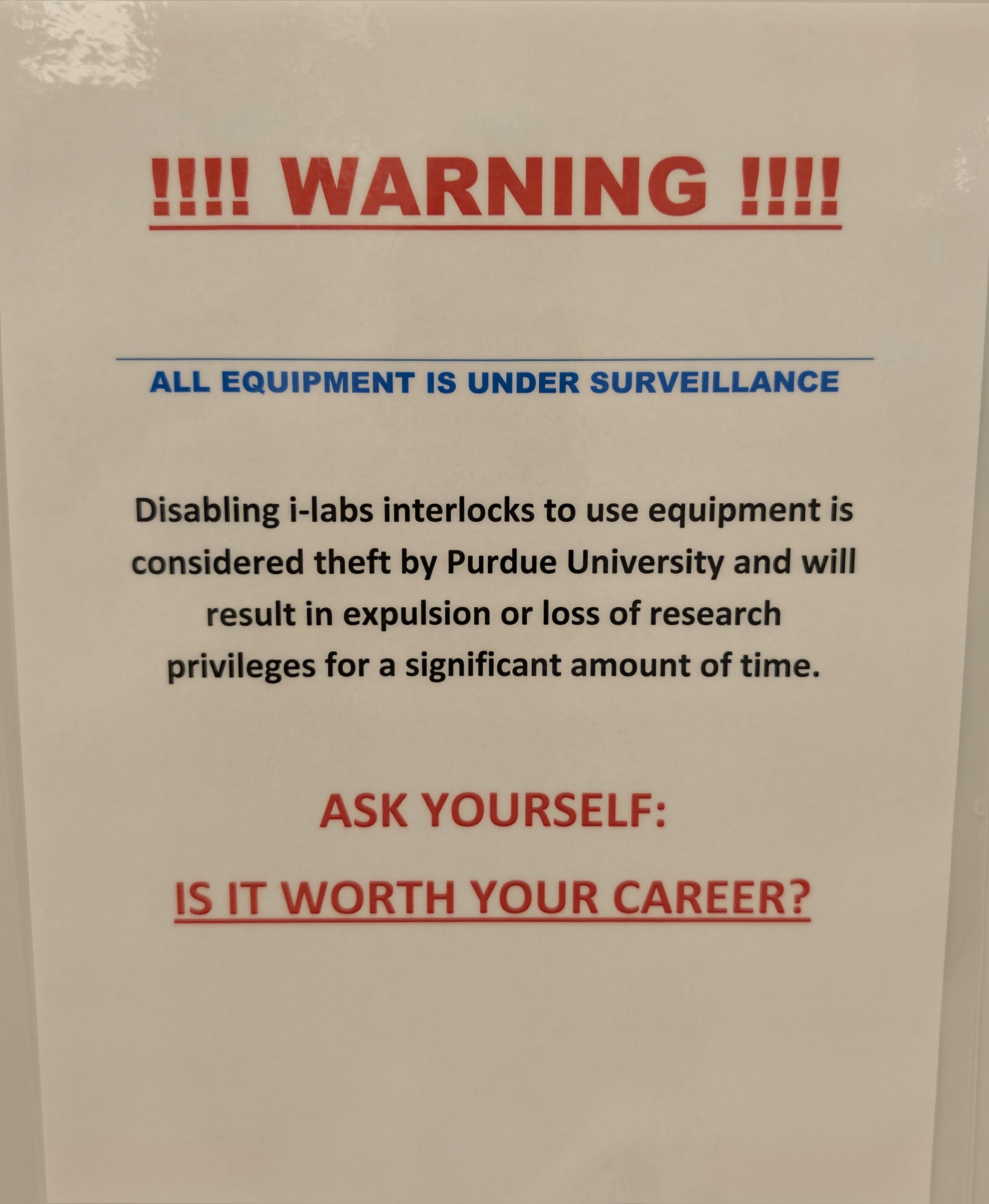
Attention BNC equipment users: I have found several instances lately of iLab equipment interlocks being disabled in order to use a tool. Doing this in order to use the equipment without reserving a session is strictly forbidden. If you encounter difficulty with an interlock for a properly reserved session, your first point of contact should be the equipment engineer. If they aren't available, you can contact me (hosler0@purdue.edu) and I can help you resolve the issue. Several interlocks are being reconnected at this time so be aware of this and verify your session is enabled as a first step. Some interlocks are now disabling mouse and keyboard connections via a USB hub. Moving these is ports to other ones, or any other change of cabling constitutes disabling an interlock. Thanks Rich Get Outlook for Android<https://nam04.safelinks.protection.outlook.com/?url=https%3A%2F%2Faka.ms%2FAAb9ysg&data=05%7C02%7Cbnc-all%40ecn.purdue.edu%7Ce7619e52677e4abc86ad08ddaa911730%7C4130bd397c53419cb1e58758d6d63f21%7C0%7C0%7C638854262321483261%7CUnknown%7CTWFpbGZsb3d8eyJFbXB0eU1hcGkiOnRydWUsIlYiOiIwLjAuMDAwMCIsIlAiOiJXaW4zMiIsIkFOIjoiTWFpbCIsIldUIjoyfQ%3D%3D%7C0%7C%7C%7C&sdata=pHoQrg5Hr3729w%2FRjWYi%2BPhiMJgej05CeslCq78%2Bt2A%3D&reserved=0>